If your page looks broken only when you double-click the index.html file in your out folder, but you suspect it will work once deployed, do not worry.
Why is this happening? Modern browsers block certain assets and scripts when opened via the
file://protocol due to Cross-Origin Resource Sharing (CORS) security policies.
The Fix: Use a Simple Static Web Server
The proper way to test your out directory locally is to serve it using a simple web server. This mimics a production environment and resolves paths correctly.
1. Install a server utility
If you don't have a static server tool installed, you can install serve globally:
npm install -g serve2. Serve the out folder
Run the following command in your terminal:
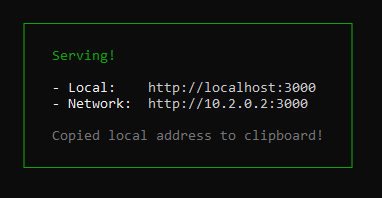
serve outThis command will start a local server (usually on http://localhost:3000 or http://localhost:5000) and properly serve the files, allowing you to confirm if your build is ready for deployment.